01
Reading
Queue what’s in progress and what’s next — then open notes when you’re ready.
Notes · Today · Modes
Noto brings writing, planning, reading, study, research, and teaching into one calm workspace.
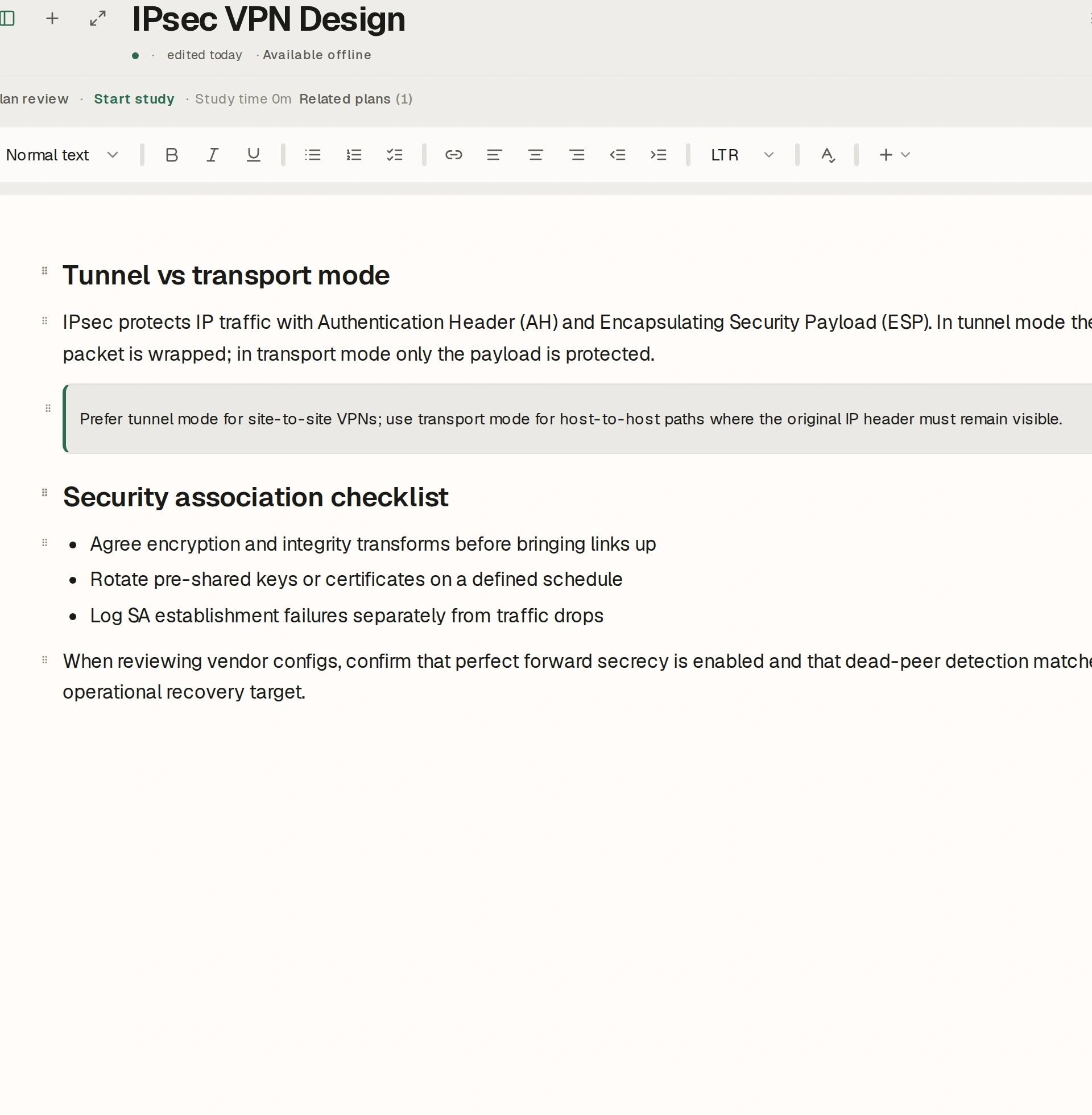
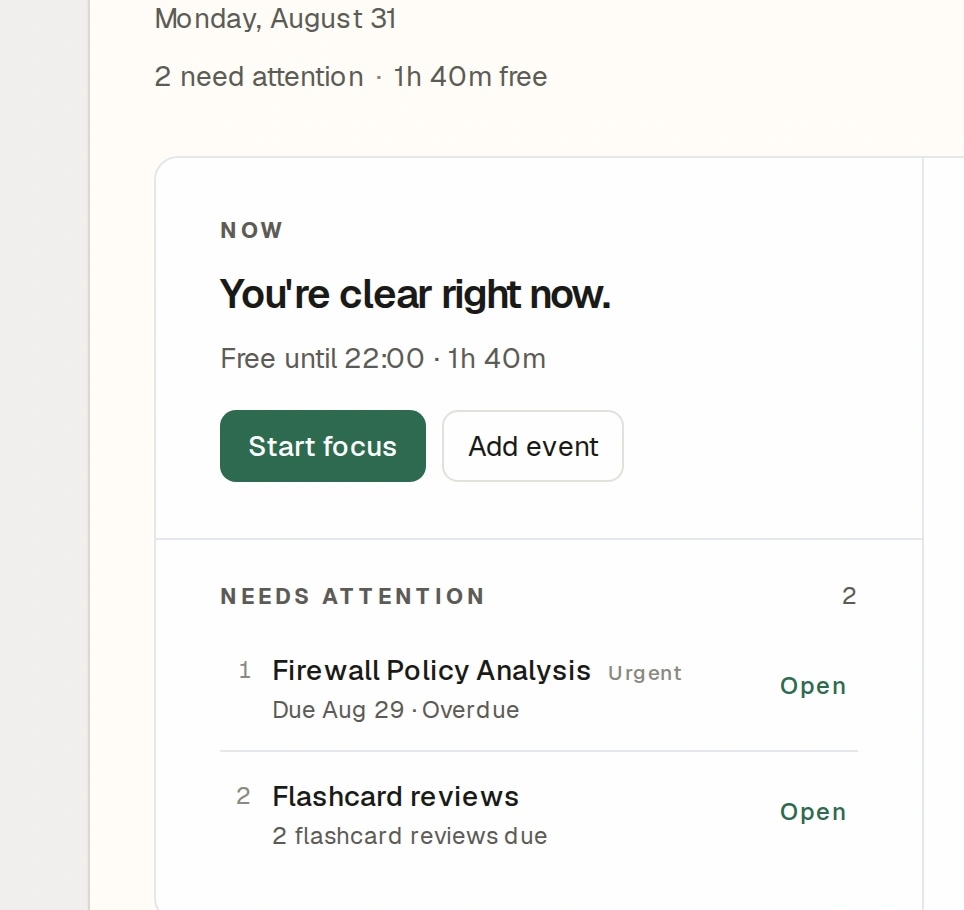
See Noto in action
From planning your day to studying, researching, and teaching — see the workspace come together in about a minute.
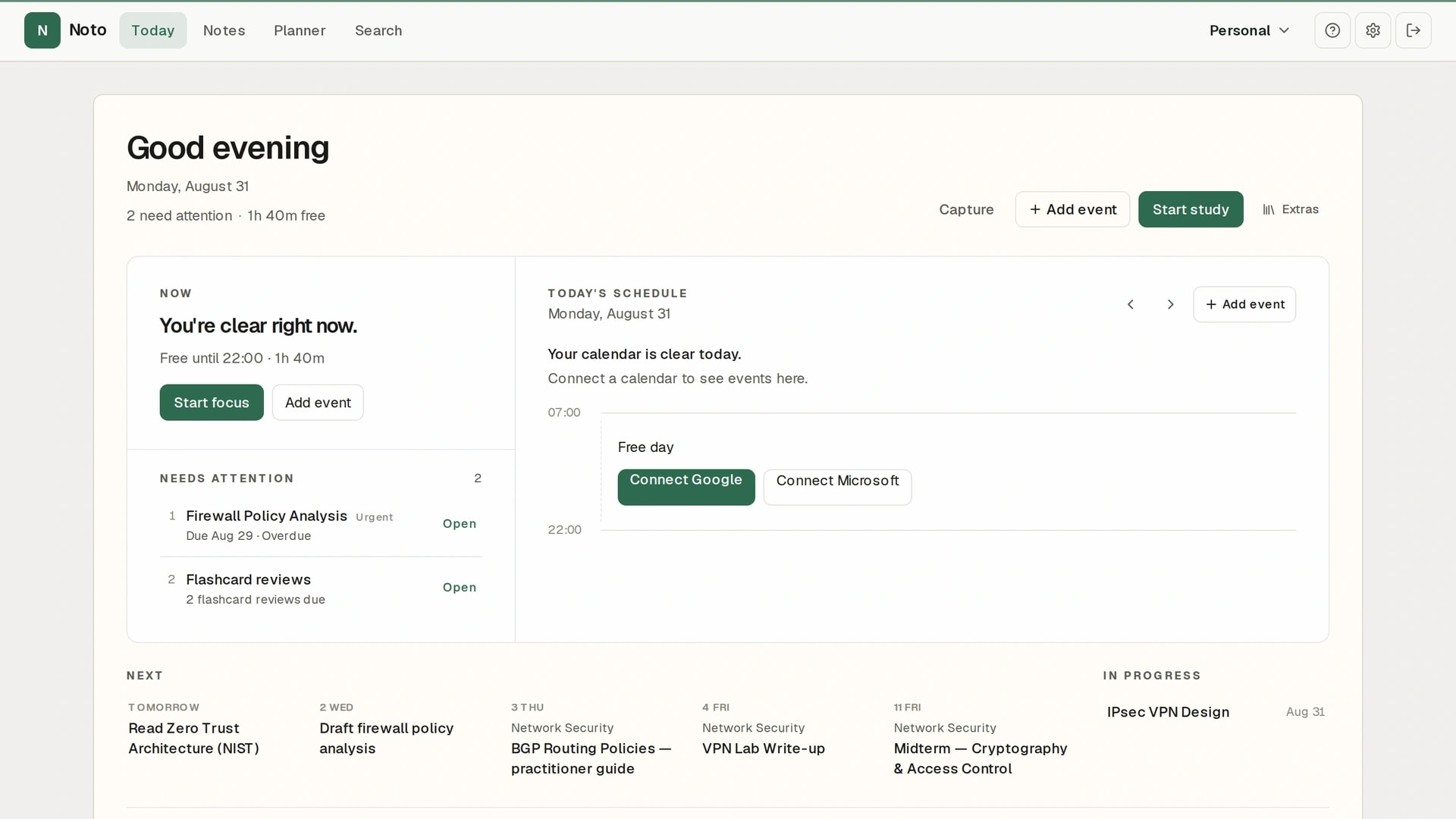
Noto — Notes at the center. Your day around them.
Modes
Switch context without switching products. Same notes, same account — Personal, Study, Research, or Teaching.
Study
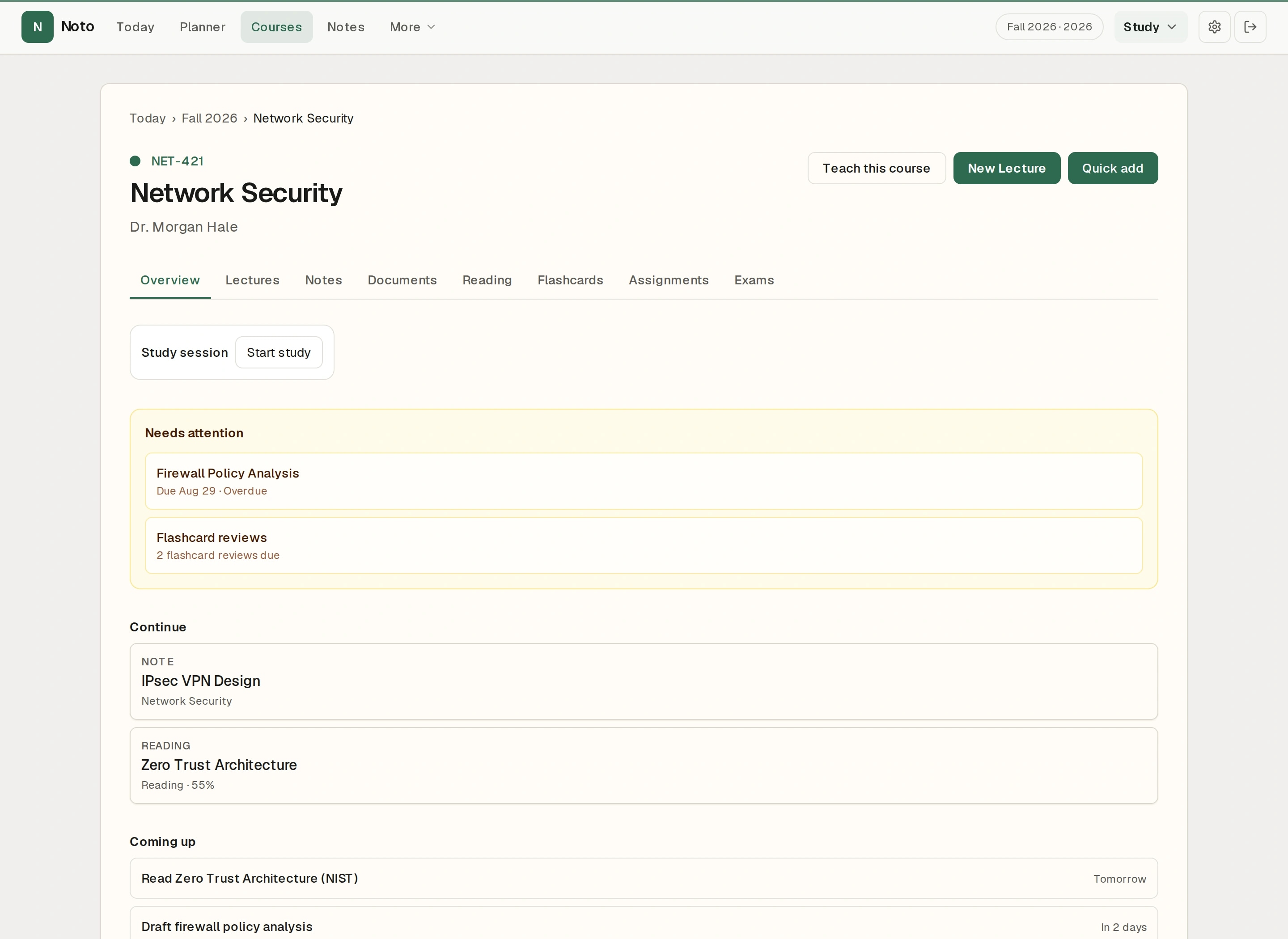
Courses, reading, assignments, flashcards, and focused study — context that stays with the work.
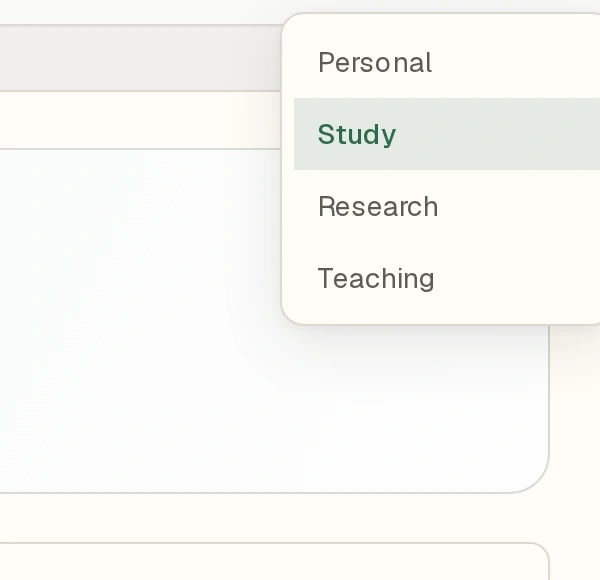
One switch — the workspace follows.
Today
Today is a daily command surface — not a widget board. It gathers the work already in Notes, courses, reading, and plans.
Calendars are optional — connect Google or Microsoft when you want Schedule filled in.
Notes
Notes remain the center of Noto. Capture lectures, literature, and prep — then let Today and your mode pull that work forward.
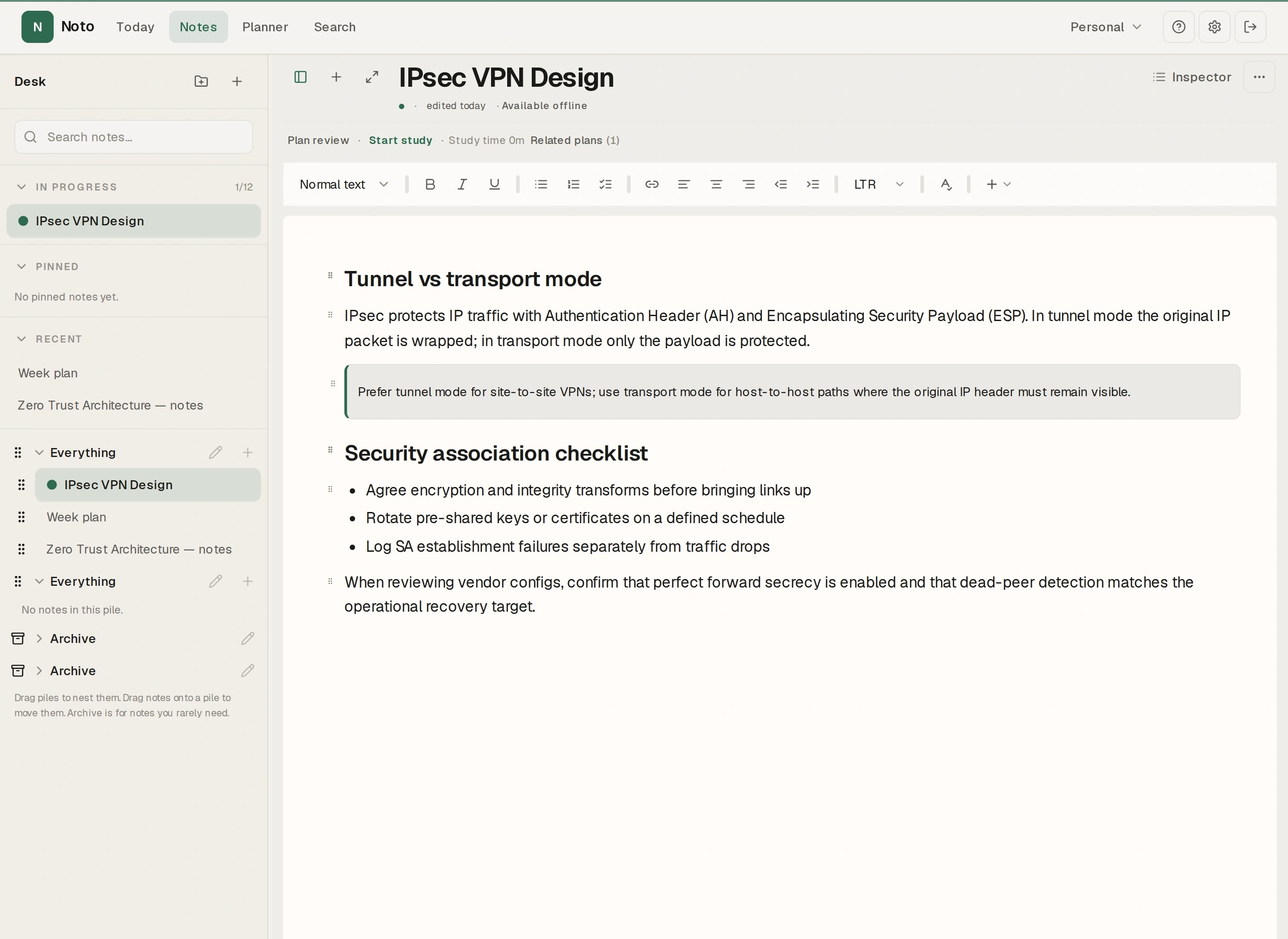
Students
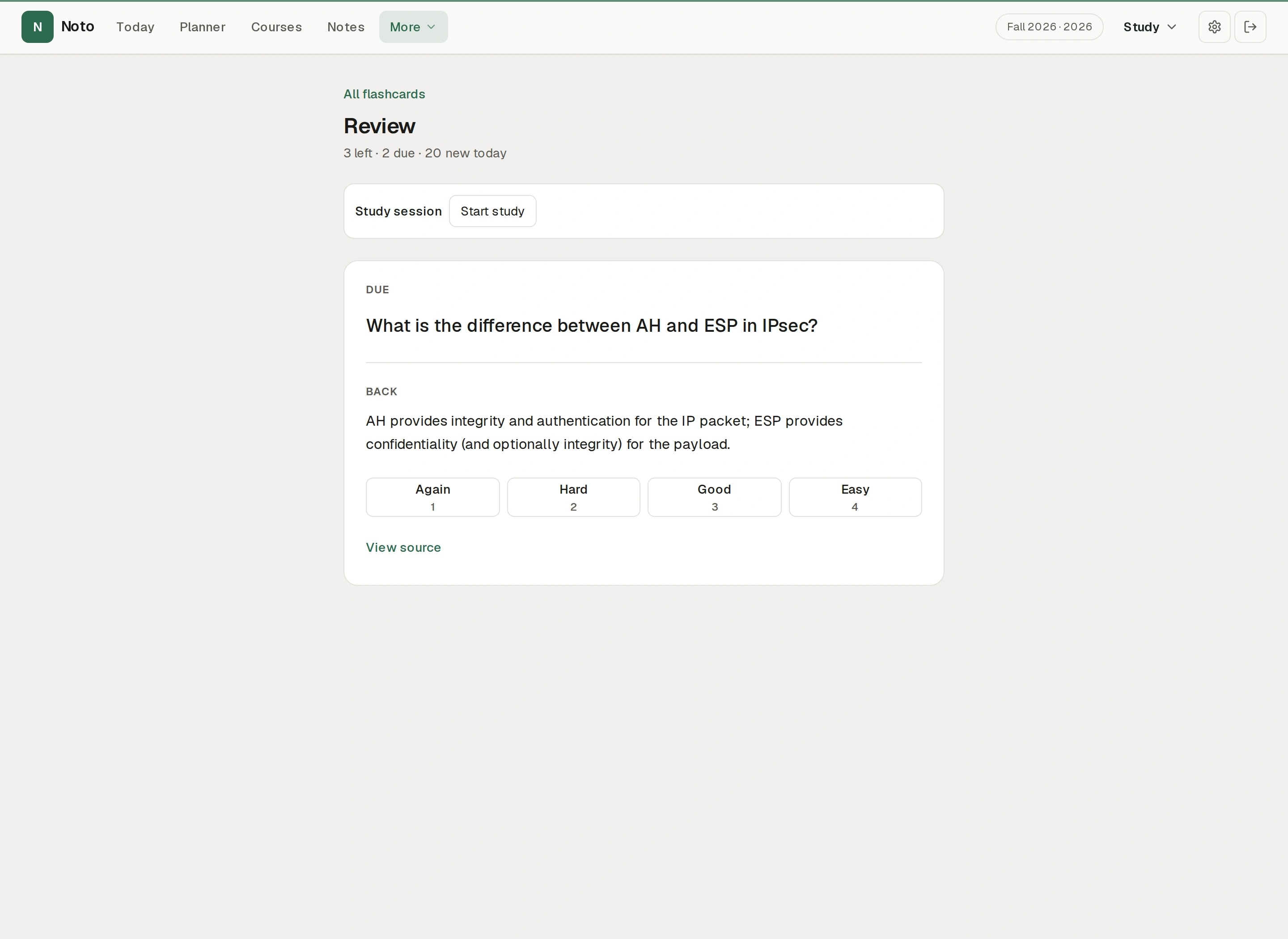
Study mode keeps courses, notes, reading, and reviews in one place — so Attention points at real work, not a fake completion percentage.
Course → Notes / Reading → Attention → Flashcards / Focused study
Not an LMS or gradebook — a calm study workspace.
Researchers
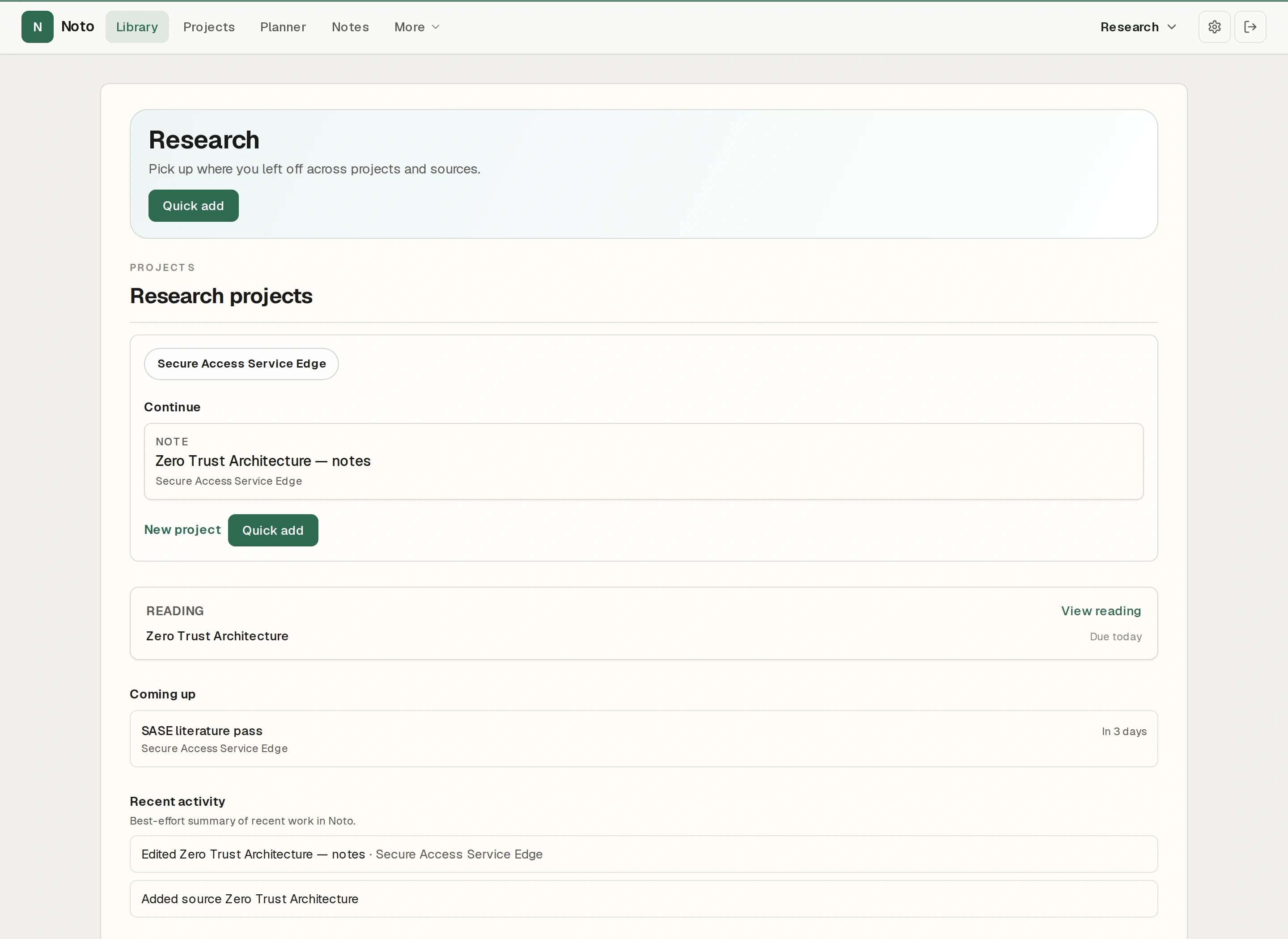
Research mode links projects, library sources, and notes so literature doesn’t live in a separate pile from the writing.
No AI literature review claims — your reading and citations stay yours.
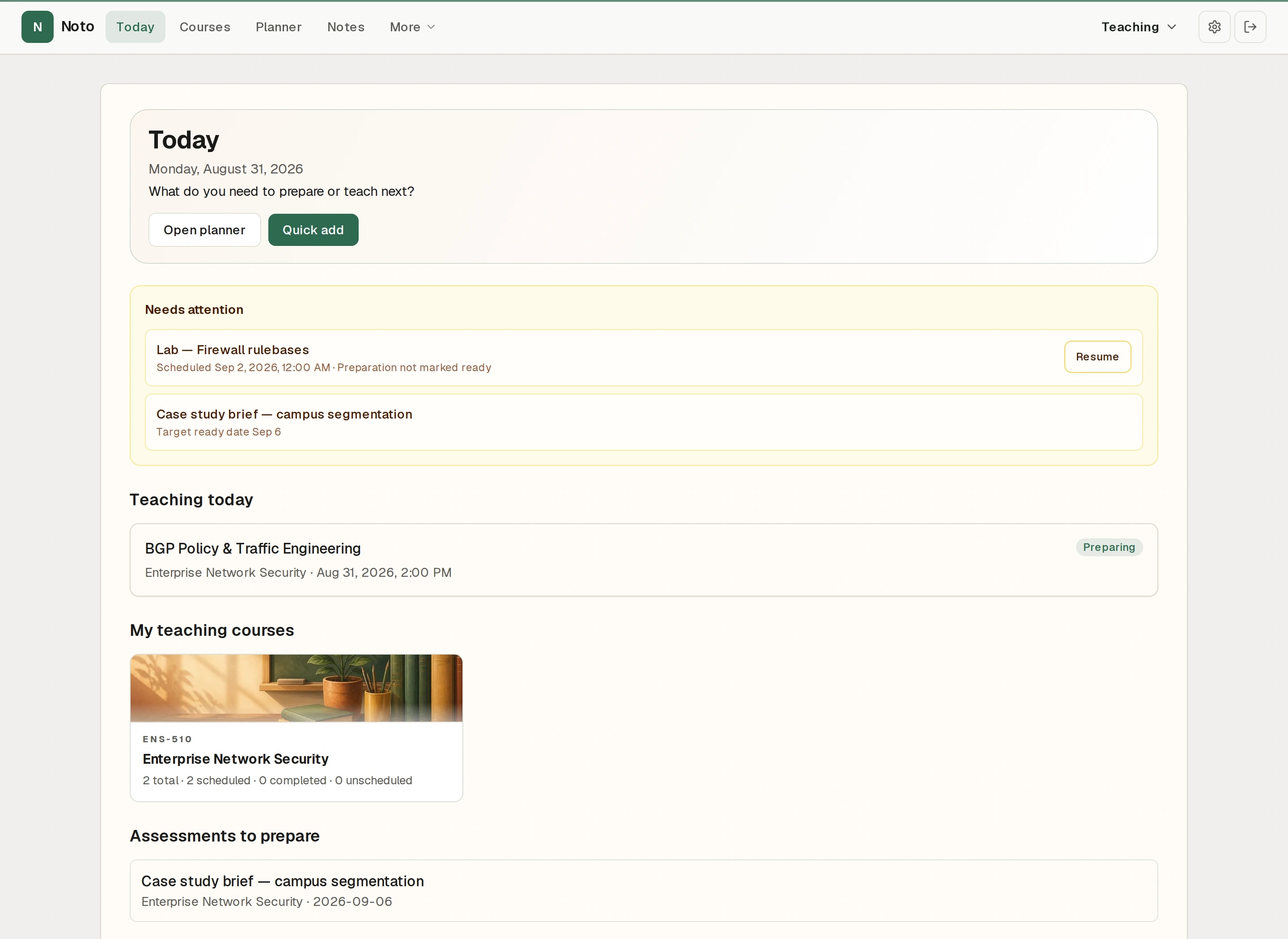
Teachers
Offerings, sessions, assessments, and lesson notes — a prep workspace for what you teach next, not a replacement LMS.
Connected work
These aren't separate mini-apps. Reading, flashcards, planning, and focused study stay connected to the notes and courses around them.
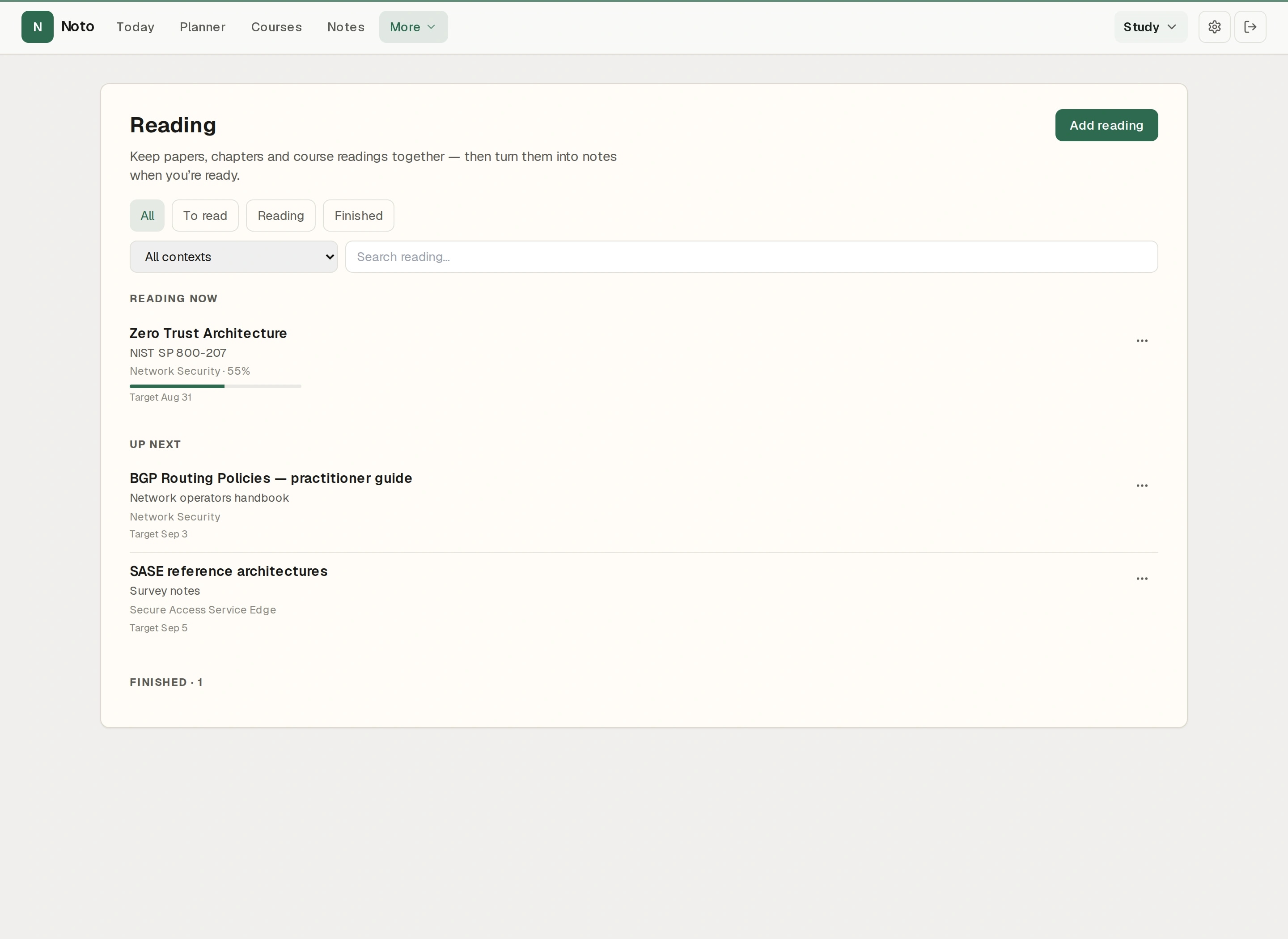
01
Queue what’s in progress and what’s next — then open notes when you’re ready.
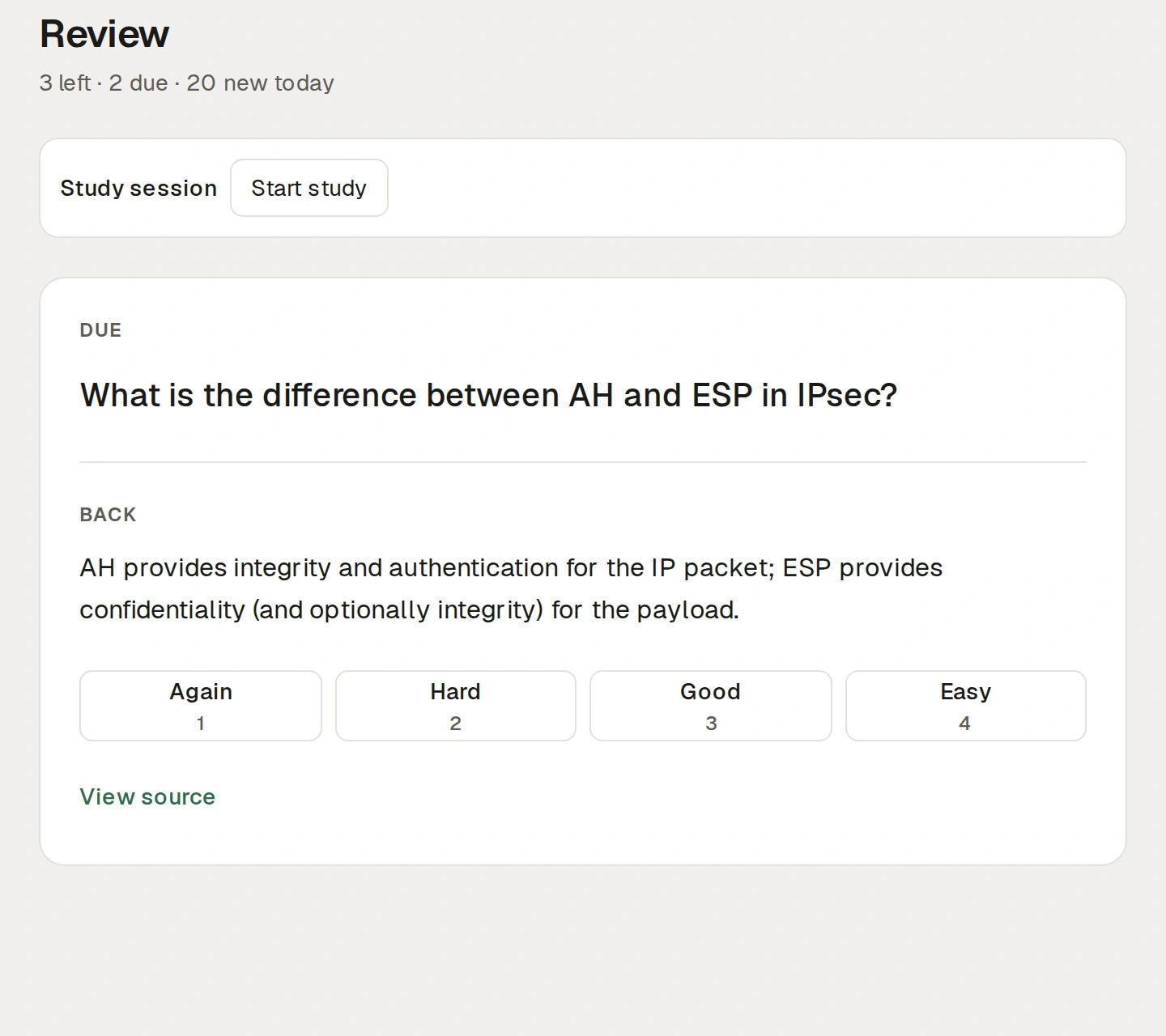
02
Due reviews stay separate from new cards. Rate honestly; the queue stays trustworthy.
03
Plan study against courses and teaching prep without flooding the week automatically.
04
Start a session from a course, note, reading, or Today — pause idle time, finish with an outcome.
Windows
The Windows app is a thin host for the shared Noto workspace — the same account, notes, modes, and Today you use on the web.
Web + Windows
Sign in once. Work in the browser or the desktop window — always the hosted Noto app, always your cloud workspace.
Trust
Honest security — not theater. Unlocked notes are not end-to-end encrypted vaults; we say what we do.
Noto runs over HTTPS/TLS in production.
Password auth with authenticator 2FA; email codes available on Plus.
Files are served only through authenticated requests for the owner.
Plus can passphrase-protect individual notes in the browser. Titles stay visible; attachments aren’t covered by the lock.
Take your writing with you — print profiles and export paths in the product.
Optional Google Calendar sync follows Google’s Limited Use requirements. See Privacy for details.
Pricing
14-day Plus trial on signup — no credit card required.
Forever
€ 3/mo or € 30/yr
Noto
Notes at the center.
Your day around them.
Create a free account. Your notes, Today, and modes stay with you on web — and on Windows when you use the desktop app.